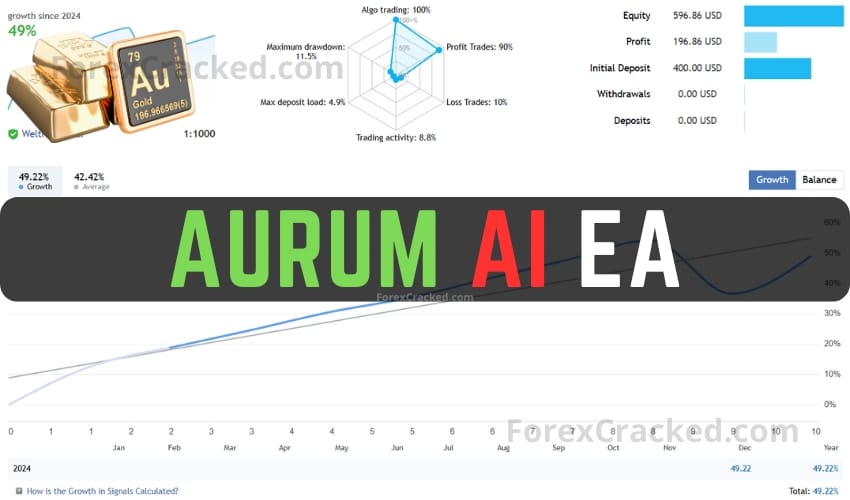
Aurum AI EA Overview
Discover the Aurum AI EA, a sophisticated expert advisor designed for trading gold (XAU/USD). This tool utilizes advanced techniques, including artificial intelligence claims, to optimize your trading experience. It focuses on trend analysis, secure trading methods, and user-friendly operations.
Key Features
- Trend Analysis: Aurum AI EA emphasizes global trend analysis, ensuring trades align with main market directions to minimize risks.
- Risk Management: With a focus on safety, this EA avoids risky strategies like martingale and grid, using fixed Stop Loss and Take Profit settings for clear risk parameters.
- Ease of Use: Designed for simplicity, it offers basic settings with options for manual trade volume setting or automated risk management calculations.
- Proprietary Trading Firm Compliance: The EA meets stringent risk management standards required by prop trading firms, making it suitable for traders aiming for funded accounts.
System Requirements
- Minimum account balance: $100
- Optimal for trading GOLD (XAU/USD), but applicable to any pair
- Best performance on M5 timeframe, compatible with any timeframe
- Recommended to run on a reliable VPS with low latency
- Low spread account recommended
Installation Steps
- Download the Aurum AI EA file.
- Open the MetaTrader platform and navigate to ‘File’ > ‘Open Data Folder’.
- Locate and open the ‘MQL4’ or ‘MQL5’ folder and then the ‘Experts’ folder.
- Paste the Aurum AI EA file in the ‘Experts’ folder.
- Restart MetaTrader and check under ‘Navigator’ > ‘Expert Advisors’.
- Drag the Aurum AI EA onto the chart to activate it.
Note: Always test on a demo account before live trading to understand its operation fully.