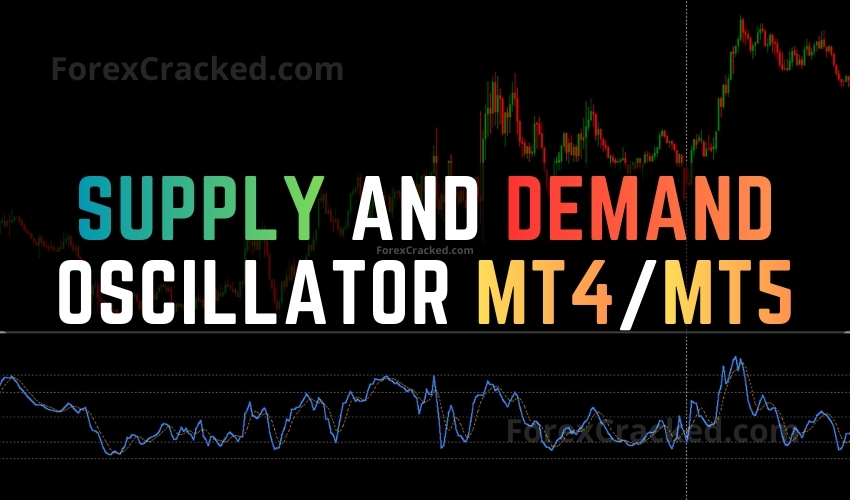
Overview of the Supply and Demand Oscillator Indicator
The Supply and Demand Oscillator is a powerful tool for traders using MetaTrader 4 and MetaTrader 5. Developed by Trade Code Labs, it offers a unique approach to identifying supply and demand zones without cluttering your chart with boxes. Instead, it provides a clean oscillator displayed in a separate window, utilizing an ATR-based algorithm to detect institutional trading levels.
Key Features
- Oscillator Display: Shows supply and demand levels as a 0-100 value, keeping your main chart clear.
- ATR-Based Detection: Utilizes Average True Range to find significant moves indicative of institutional activity.
- Smart Zone Filtering: Automatically discards broken zones, focusing only on fresh, untested market structures.
- Adjustable Sensitivity: Customize zone sensitivity to filter major or minor zones based on your trading strategy.
- Non-Repainting: Once a zone is identified, it remains fixed, ensuring reliable signals.
- Full Alert System: Receive notifications via pop-up, email, and mobile when price enters a supply or demand zone.
How to Install the Supply and Demand Oscillator
- Download the indicator file from our website.
- Open your MetaTrader platform.
- Go to File > Open Data Folder.
- Navigate to MQL4 or MQL5 > Indicators and place the downloaded file here.
- Restart MetaTrader and add the indicator to your chart from the Navigator panel.
Trading Strategy Using the Oscillator
To effectively use the Supply and Demand Oscillator, follow these steps:
- Monitor Readings: Look for oscillator values below 20 for demand zones and above 80 for supply zones.
- Confirm Signals: Use candlestick patterns like pin bars to confirm potential reversals.
- Enter Trades: Once confirmation is received, enter trades in the direction of the anticipated reversal.
- Set Stop Loss: Place your stop loss just beyond the identified supply or demand zone for minimal risk.
- Target Opposite Zone: Aim for the opposing zone as your profit target for optimal returns.