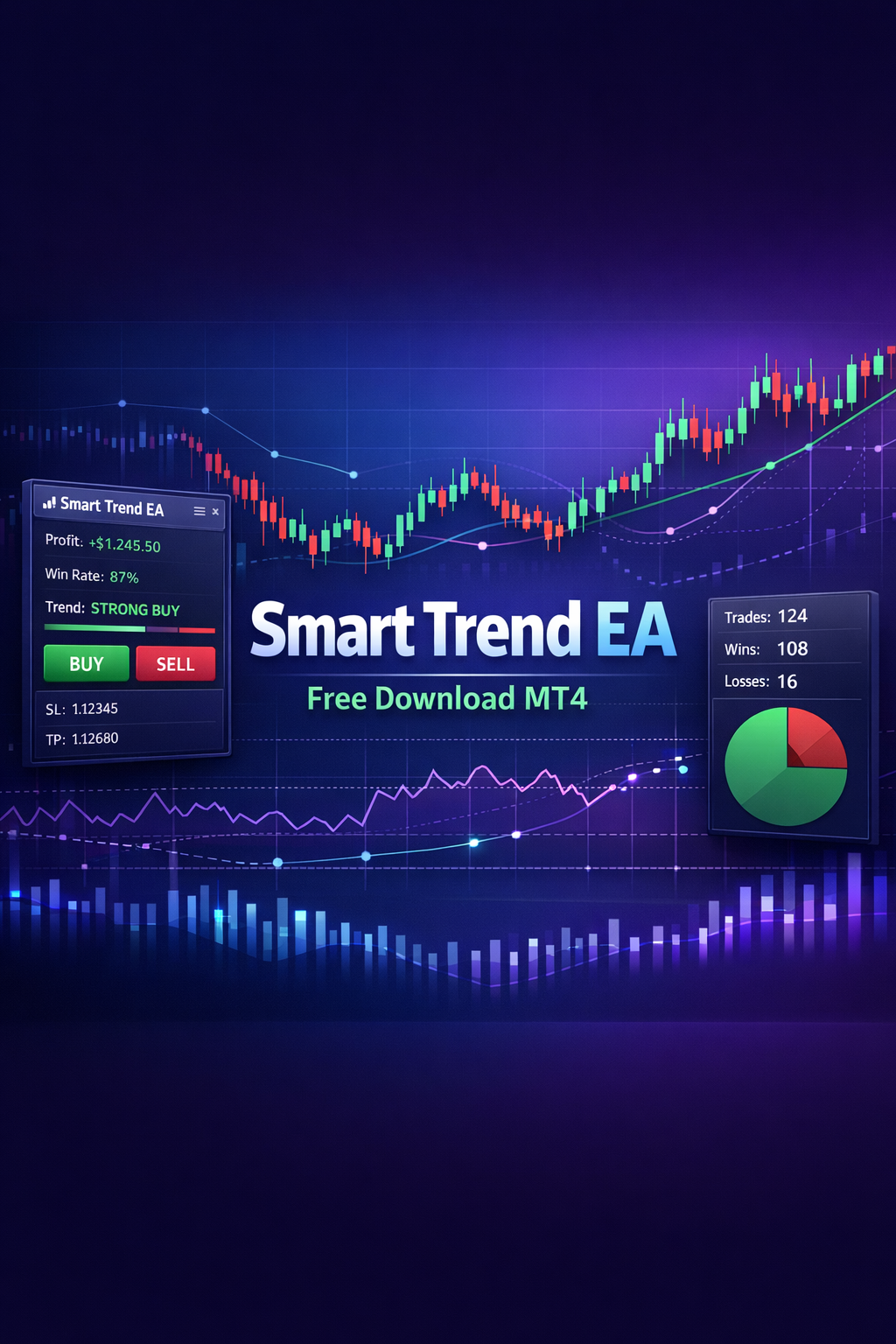
Overview of Smart Trend EA for Free Download
The Smart Trend EA is a fully automated Expert Advisor designed for MetaTrader 4, focusing on multi-currency trading with a primary emphasis on EURUSD and USDCAD. Utilizing a blend of the Moving Average and Stochastic indicators, this EA identifies trend-aligned entries while filtering out noise from high-impact news events.
Features of Smart Trend EA
- Built-in News Filter: Automatically pauses trading around high-impact news events to avoid volatility spikes.
- Advanced Stop Loss Mechanics: Define exit strategies using fixed points, ATR multipliers, or opposing signals.
- Dynamic Trailing Stop: Automatically locks in profits as trades move in your favor.
- Configurable Money Management: Supports optional martingale recovery or fixed lot sizing based on preferences.
- Equity Protection Module: Safeguards capital by closing all positions if account drawdown reaches a set threshold.
- High Spread Protection: Prevents entries during low liquidity events with a MaxSpread filter.
Technical Requirements
- Minimum account balance: $50 per pair; recommended $100+ per pair.
- Optimized for M5 timeframe.
- Requires a VPS for continuous operation to achieve stable results.
Installation Steps
- Download the Smart Trend EA file.
- Open MetaTrader 4 and go to ‘File’ > ‘Open Data Folder’.
- Place the EA file in the ‘Experts’ folder.
- Restart MetaTrader 4 and attach the EA to your chosen chart.
- Configure settings as per your trading strategy, and ensure the news filter URL is set up correctly.
For best performance, use a low spread ECN account. Test the EA on a demo account for at least a week to understand its functionality, especially the martingale settings.