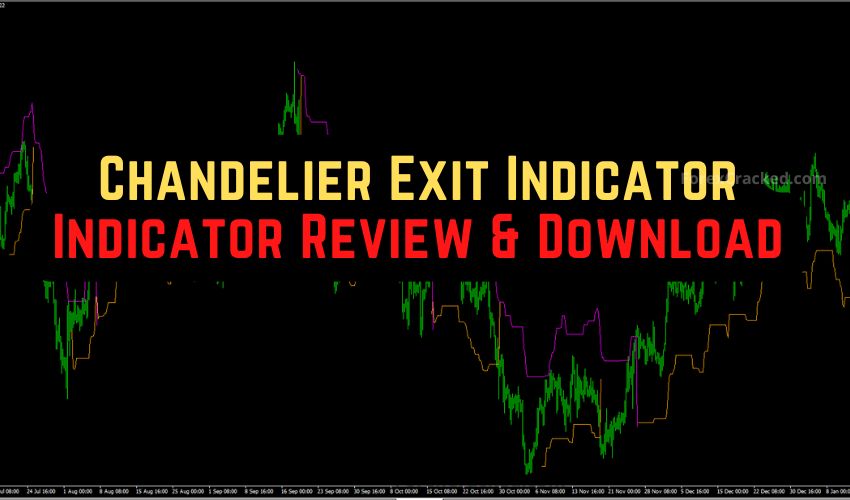
Unlock the Power of the Chandelier Exit Indicator
Are you tired of exiting trades too early? The Chandelier Exit Indicator for MT4/MT5 is your solution. This tool helps you manage risk by dynamically setting stop-loss levels based on market volatility.
Features of the Chandelier Exit Indicator
- Uses Average True Range (ATR) for volatility-based stop-loss levels.
- Adapts to market conditions, tightening during calm periods and widening during high volatility events.
- Works across various assets, including Forex, Gold, and Crypto.
How It Works
The indicator plots two lines:
- Uptrend (Orange Line): Appears below price candles, indicating bullish control.
- Downtrend (Purple Line): Appears above price candles, indicating bearish control.
These lines serve as dynamic floors and ceilings, guiding your exit strategies effectively.
Installation Steps for MT4/MT5
- Download the Chandelier Exit Indicator file.
- Open MetaTrader and go to File > Open Data Folder > MQL4 (or MQL5) > Indicators.
- Paste the downloaded file and restart MT4/MT5.
- Drag the indicator onto your chart and apply the recommended settings.
Optimize Your Trading Strategy
For 2026, use the following settings for optimal performance:
- EURUSD: ATR Period: 22, Multiplier: 3.0 – Ideal for trend swing trading.
- Gold (XAUUSD): ATR Period: 14, Multiplier: 3.5 – Perfect for filtering volatility.
- Scalping (M5): ATR Period: 10, Multiplier: 2.5 – Best for quick profit-taking.
Benefits of Using the Chandelier Exit Indicator
- Removes emotional decision-making from trading.
- Automatically adjusts during news events, protecting against volatility spikes.
- Versatile for multiple asset classes and timeframes.
Transform your trading approach and capture full market moves with the Chandelier Exit Indicator.