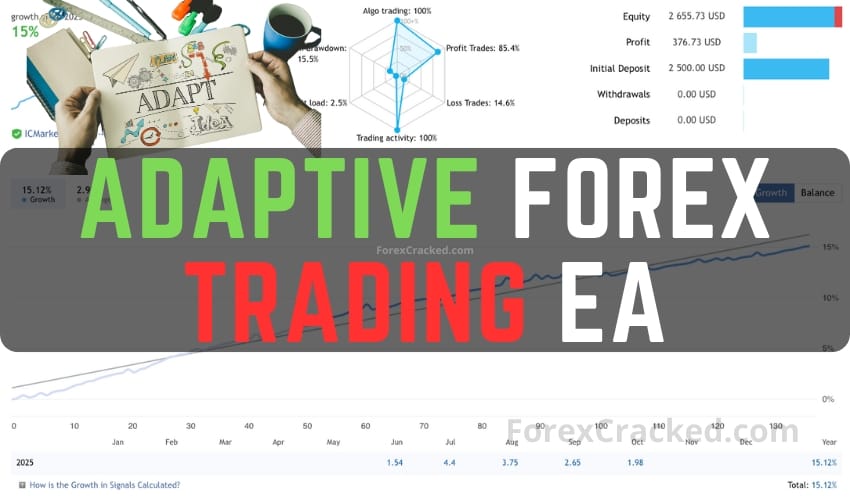
Adaptive Forex Trading EA Features
In today’s volatile financial climate, traders are increasingly relying on automated solutions like the Adaptive Forex Trading EA, now available for free download. This powerful tool helps navigate unpredictable market conditions by integrating advanced features designed to enhance trading efficiency.
Key Features
- Diversification: Trade across 10 or more currency pairs to minimize dependency on specific markets and reduce volatility impact.
- Risk Control: Employs a pip-based group stop-loss system that manages risk by closing trades collectively if predefined loss thresholds are met.
- Customization: Tailor settings such as trade frequency, risk levels, and trading direction to suit individual strategies.
- Strategy Compatibility: Supports various trading strategies, including momentum entries, supply and demand zones, and Fibonacci retracement levels.
Requirements and Installation
To use the Adaptive Forex EA effectively, ensure a minimum account balance based on your choice of currency pairs. For optimal performance, a VPS is recommended to maintain continuous operation. The EA is compatible with both MT4 and MT5 platforms and operates efficiently on the M5 timeframe.
Installation Steps
- Download the Adaptive Forex EA file and save it to your computer.
- Open the MT4/MT5 platform and navigate to ‘File’ > ‘Open Data Folder’.
- Place the EA file in the ‘Experts’ folder.
- Restart the platform and attach the EA to a chart.
- Adjust settings as desired and begin trading.
Recommendations
Before using the EA on a live account, test it on a demo account for at least one week. Ensure you understand its functionalities fully to maximize your trading outcomes. For diverse trading, a minimum balance of $1000 is suggested, with adjustments based on the number of currency pairs in use.